
Skip to content

Learn Figma inside Figma.

Short Figma courses with an AI tutor. nodd shows each step and checks your work.

Chrome extension · Free during early access

Four steps, all inside Figma. No videos to pause, no tabs to switch.

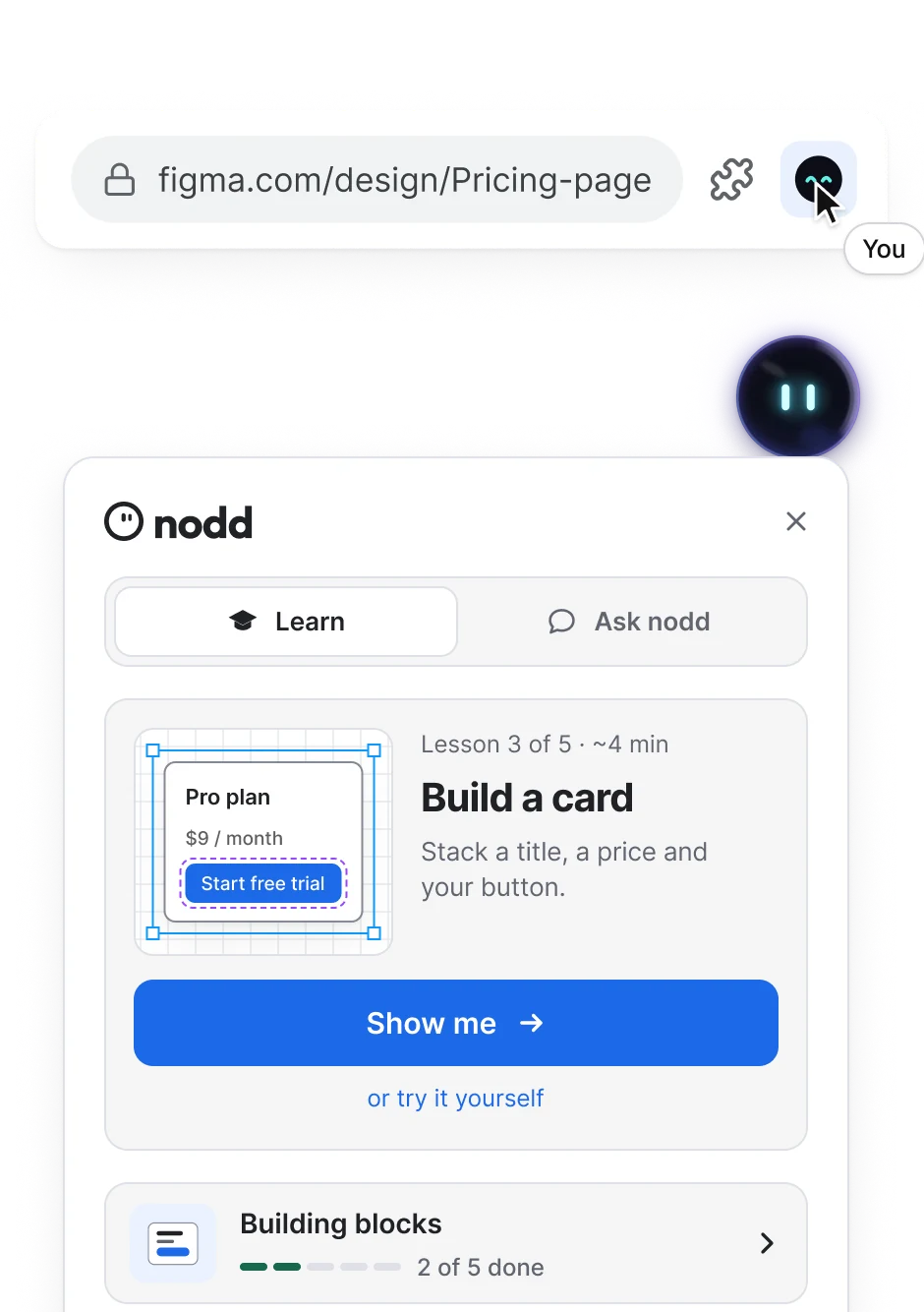
  1. Open the tutor.Click nodd in Chrome. It opens right inside your Figma file.
    Chrome toolbar on figma.com with the nodd icon clicked; the nodd panel opens below it on the Learn tab.
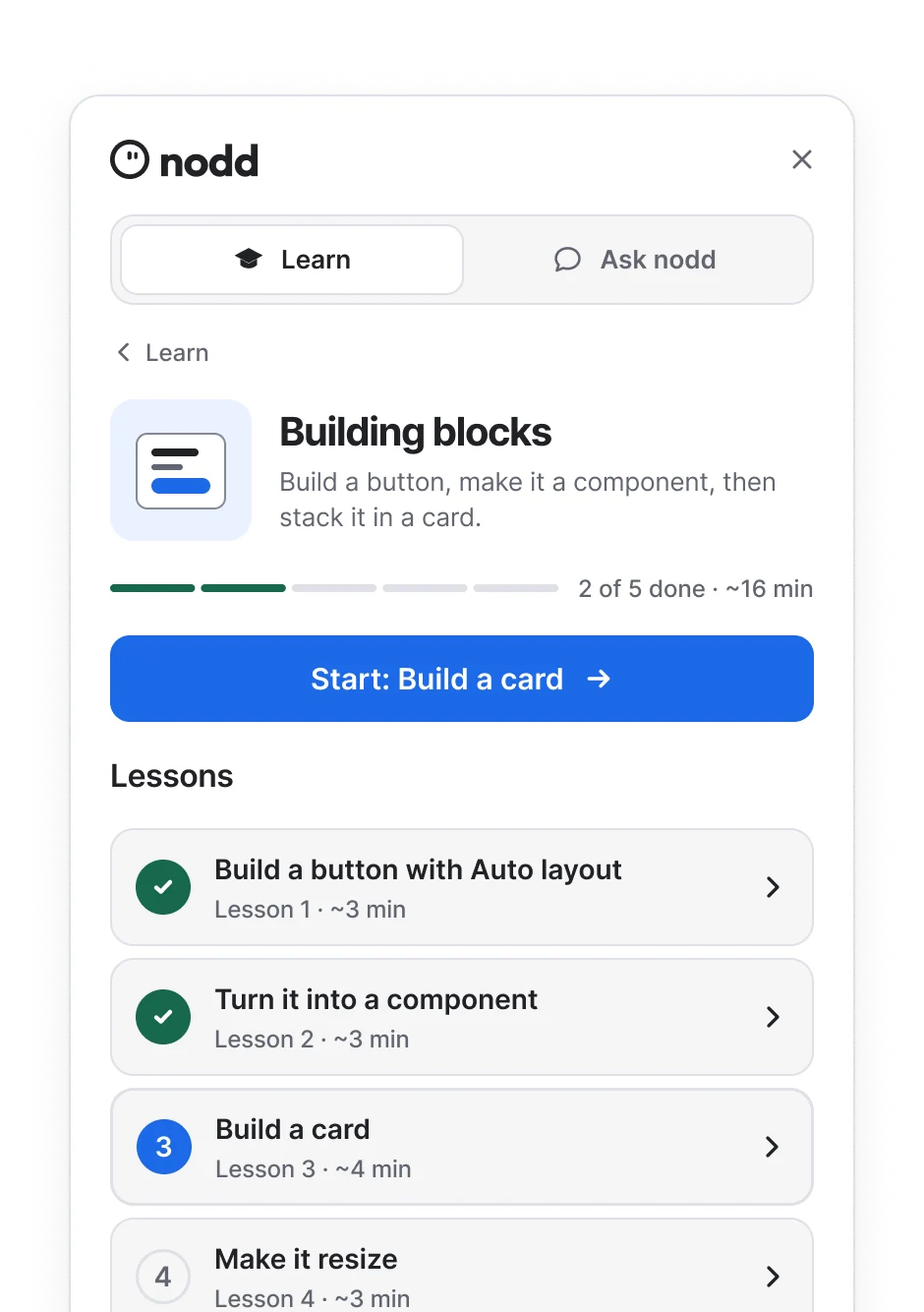
  2. Choose a course.Pick what you want to learn. Lessons take about 3 minutes.
    The Building blocks course in nodd: 2 of 5 done, Start: Build a card, and a list of lessons of about 3 minutes each.
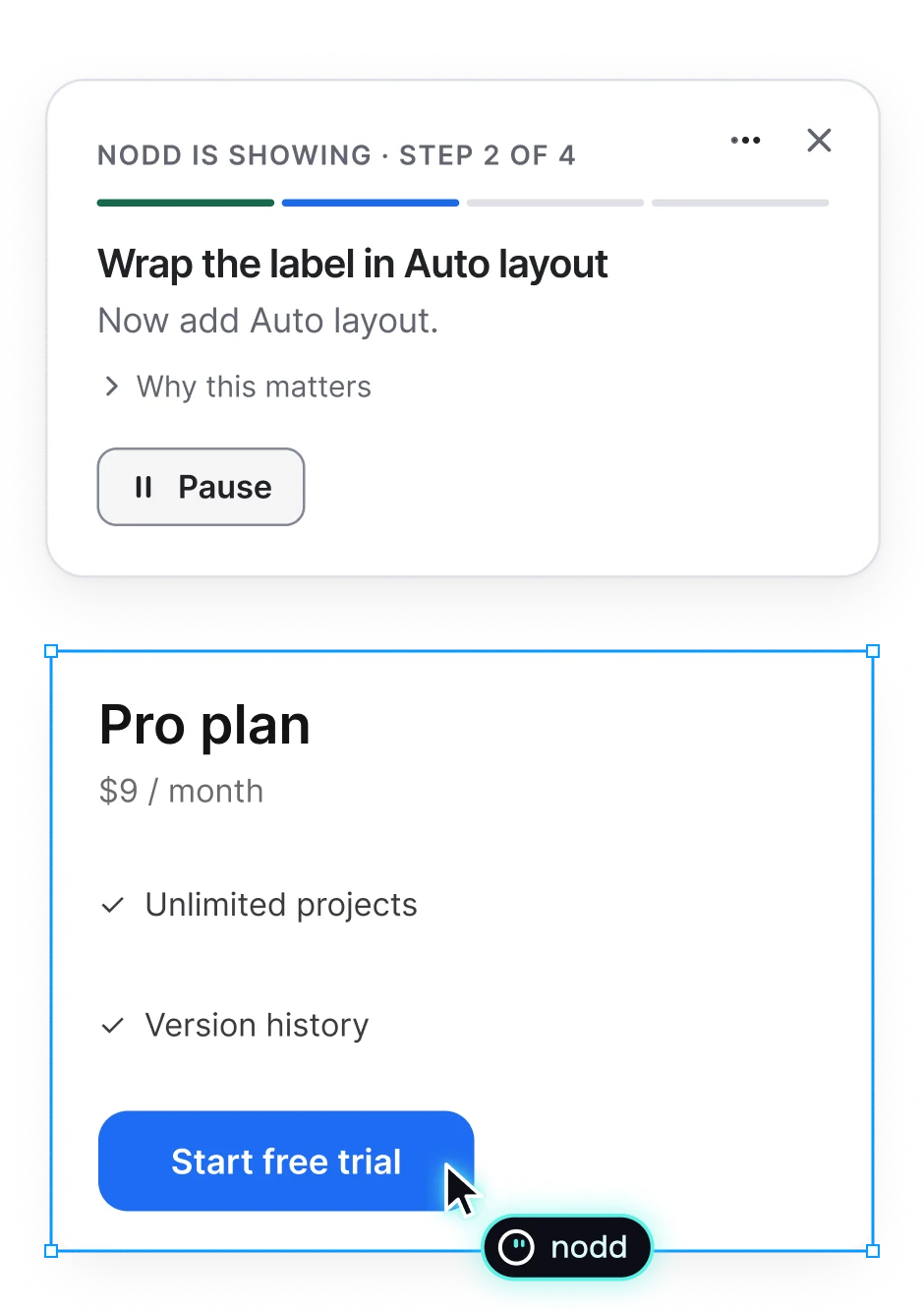
  3. Learn by doing.nodd shows the step, you do it, and it checks your work.
    nodd’s step card, step 2 of 4: wrap the label in Auto layout, above the selected Pro plan card with nodd’s cursor on the button.
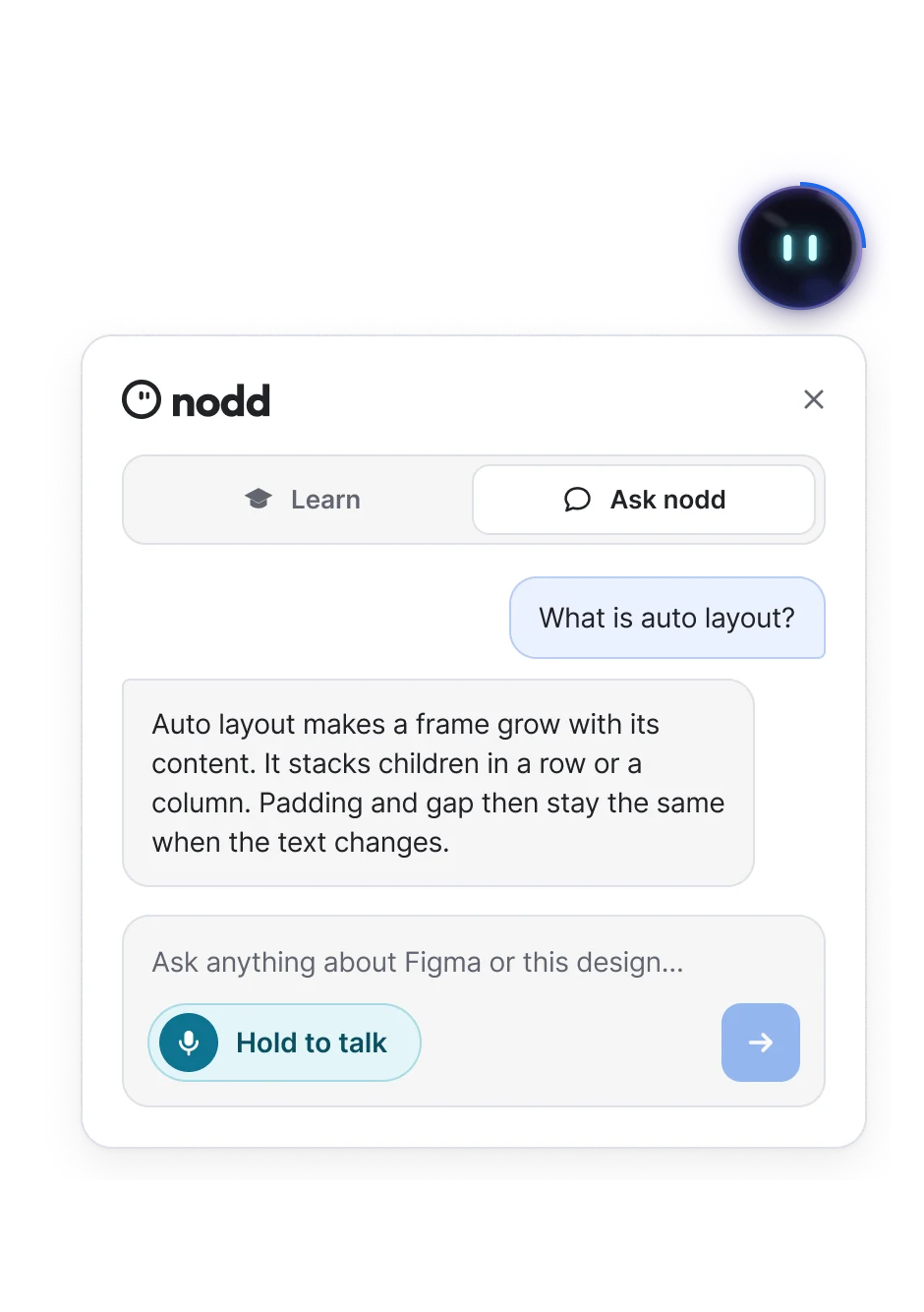
  4. Ask for help.Stuck? Hold a key and ask out loud. nodd answers on your screen.
    The nodd panel, Ask nodd tab: the question What is auto layout? and nodd’s answer, with Hold to talk.

Watching isn’t learning. nodd stays with you in your own file.

nodd compared with video tutorials and online courses
FeatureVideos
In your own Figma file—
Shows the exact control—
Checks your work—
Answers out loud—
3-minute lessonsSome

A course for every Figma skill. Start with the basics, then go as far as you want.

  • Auto layout basics

    5 lessons · 15 min

  • Components that work

    5 lessons · 15 min

  • Variants and states

    4 lessons · 12 min

  • Color and variables

    4 lessons · 12 min

  • Type that scales

    4 lessons · 12 min

  • Grids and spacing

    3 lessons · 9 min

  • Responsive layouts

    4 lessons · 12 min

  • Prototyping basics

    5 lessons · 15 min

  • Icons and vectors

    4 lessons · 12 min

  • Build a real screen

    5 lessons · 15 min

  • Design system starter

    6 lessons · 18 min

  • Hand off to developers

    3 lessons · 9 min

Stuck on your own file? Ask out loud. nodd sees what you selected and points to the fix.

  1. Keep your flow.

    Hold a key and ask out loud. No typing, no new tabs.

  2. Skip the explaining.

    nodd sees what you selected, so the answer fits your file.

  3. Make it stick.

    nodd points to the field. You make the change, so you remember it.

Ask it like you’d ask a friend.

  • “Why won’t this frame hug?”
  • “How do I center this button?”
  • “What’s the difference between Fill and Hug?”
  • “Why is my text cut off?”
  • “Teach me Auto layout.”
  • “Help me turn these into a component.”
  • “Why didn’t my instance update?”
  • “How do I add a hover state?”
  • “What gap should I use here?”
  • “Show me how to make a component.”
  • “How do I make this card stretch on mobile?”
  • “How should I name these layers?”
  • “Why is this frame so big?”
  • “What does Hug contents do?”
  • “How do I make a grid?”

You stay in charge.It sees only what a lesson needs.

  • Only what you select.

    It reads the settings of what you select, right in your browser.

  • Listens while you hold.

    The mic is on only while you hold the key, never in the background.

  • Screenshots when you ask.

    One picture of your screen, taken only for the question you asked.

  • Take over anytime.

    Click or press a key during Show me and nodd lets go right away.

Why we’re building nodd

Tutorials show you how, but they can’t see what you do next. I’ve watched people with a good eye get stuck the moment they open their own file. So I’m building nodd: a tutor that works in your file, shows the next step and checks your work.

Still early: no desktop app or FigJam yet. Write to me anytime. I read every email.

Pavle, founder of nodd

Pavle

Senior product designer

Questions, answered

Can’t find your answer? Write to us.

Early access is free. If that ever changes, you’ll hear it from us first.

Learn Figma, one step at a time.

Early access is free and starts with the Auto layout basics course. Leave your email and we’ll invite you.